Why Your Website Gets Organic Traffic But Zero Conversions (And the Fixes That Actually Work)
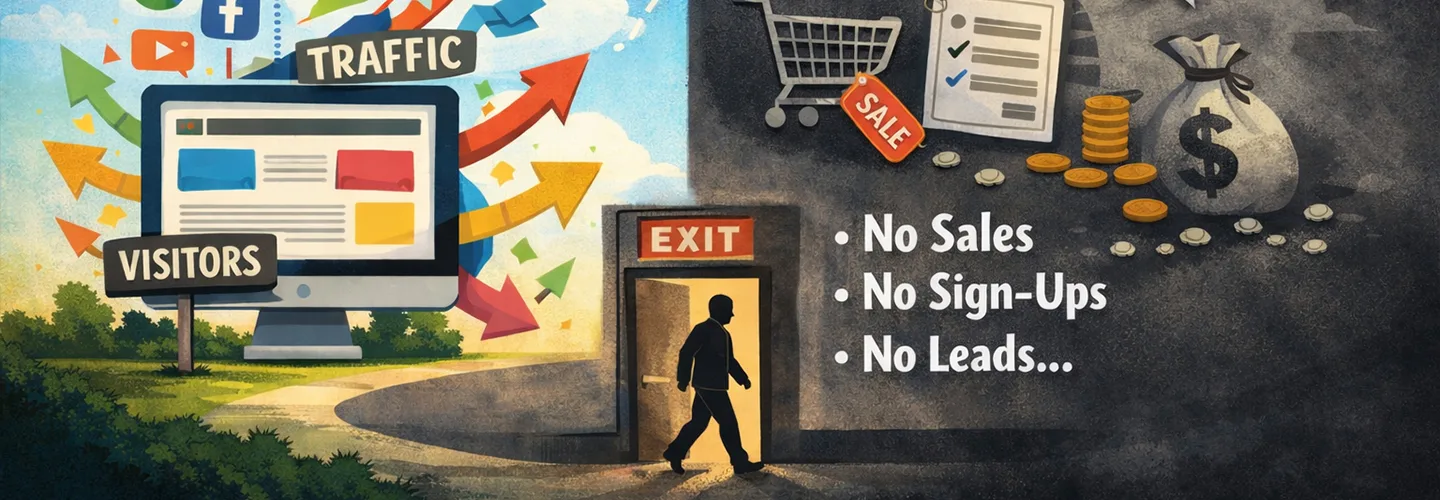
15,000 monthly visitors. 8 conversions. Sound familiar?
If your website is getting organic traffic but not converting, you are not alone. In fact, this is one of the most common and most frustrating problems businesses face with SEO.
The hard truth: traffic is a vanity metric.
It looks good in reports. It feels like progress. But traffic alone doesn’t pay salaries, close deals, or grow revenue.
What actually matters is whether the right people are landing on the right pages and being guided toward a clear next step.
In this guide, you will learn five specific, proven fixes for websites with organic traffic but no conversions, backed by real examples and clear actions. Most of these fixes don’t require more content or more traffic. They require better alignment.
And yes, many of them can be implemented within 30 days.
The Root Problem: You are Attracting the Wrong Traffic

When website traffic isn’t converting, the issue usually isn’t design, copy, or even trust.
It’s an intent mismatch.
The Intent Mismatch Explained
There’s a difference between:
- What your site ranks for
- And what actually drives conversions
Example:
- “What is CRM?”- 500 visitors, 0% conversion
- “CRM for small businesses”- 50 visitors, 8% conversion
Both are relevant. Only one has buying intent.
Most sites with organic traffic but no conversions are over-indexed on informational keywords, topics people search when they are curious, not when they are ready to act.
How to Diagnose This (Step-by-Step)
Google Analytics check
- Go to Acquisition- Organic Search
- Sort landing pages by sessions
- Look at the conversion rate
Pages with high traffic + zero or near-zero conversions are your red flags.
Keyword intent audit
- Export ranking keywords from Google Search Console
- Categorize them into:
- Informational (“what is”, “how to”)
- Commercial (“best”, “for”, “comparison”)
- Transactional (“pricing”, “demo”, “buy”)
What most businesses find:
- ~80% informational
- ~15% commercial
- ~5% transactional
What it should look like:
- 40% informational
- 35% commercial
- 25% transactional
Until that balance shifts, your website traffic won’t convert.
Fix #1: Target Commercial-Intent Keywords
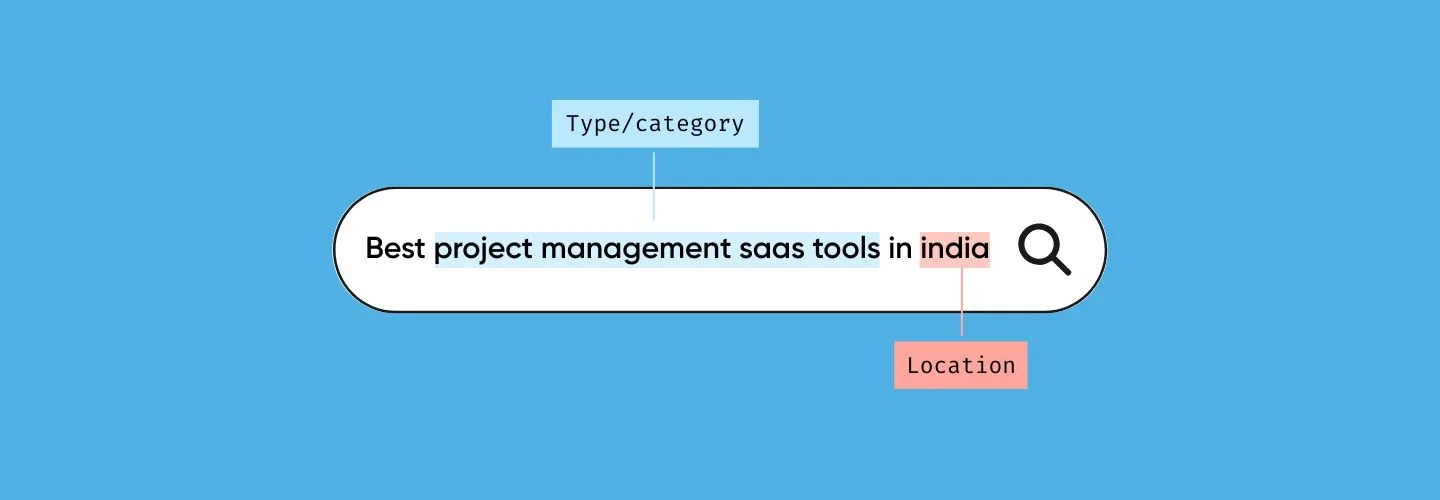
If your organic traffic isn’t converting, you are likely missing pages that target commercial intent, the searches people make right before choosing a solution.
What Commercial-Intent Keywords Look Like
SaaS/tools:
- “[solution] for [industry]”, “best [tool] for [use case].”
Services:
- “[service] near me”, “[problem] expert”
- “[product] reviews”, “best [product] for [need]”
These searches don’t bring massive traffic, but they convert.
Action Steps
- Use Ahrefs or SEMrush
- Search:
- “[your category] for [audience].”
- “best [category]”
- “[competitor] alternative”
- Filter for:
- Meaningful search volume
- Low-to-moderate competition
What to Create
- Month 1: 3-5 comparison pages
- Month 2: 3-5 “solution for use case” pages
- Month 3: 3-5 alternative pages
Expected impact:
- Timeline: 6-8 weeks
- Conversion rate improvement: from barely converting to consistently converting
This single shift often fixes “organic traffic no conversions” faster than any CRO tool.
Fix #2: Optimize Landing Pages for Humans, Not Just Google
Many websites rank well but don’t convert because the pages are written for algorithms, not buyers.
The Common Problems
- Generic headlines
- No social proof
- Weak or unclear CTAs
- Too many options
A Conversion-Optimized Page Structure
Above the fold
- Benefit-driven headline (Not “Project Management Software”- “The PM Tool Your Team Actually Uses”)
- One-line subheadline (who it’s for)
- Trust signal (logos, ratings, user count)
- One clear CTA
- Visual showing the product or outcome
Mid-page
- Clear problem agitation
- Specific solution (not generic promises)
- 1-2 testimonials with names/photos
- 3-4 benefits (outcomes, not features)
Bottom
- Final CTA with urgency
- Risk reversal (free trial, no commitment)
Action Steps
- Rewrite your top 10 organic traffic pages
- Use Hotjar or Microsoft Clarity to see scroll depth
- A/B test headlines and CTAs if traffic allows
If your website traffic isn’t converting, your landing pages are almost always part of the problem.
Fix #3: Build a Clear Path from Content to Conversion
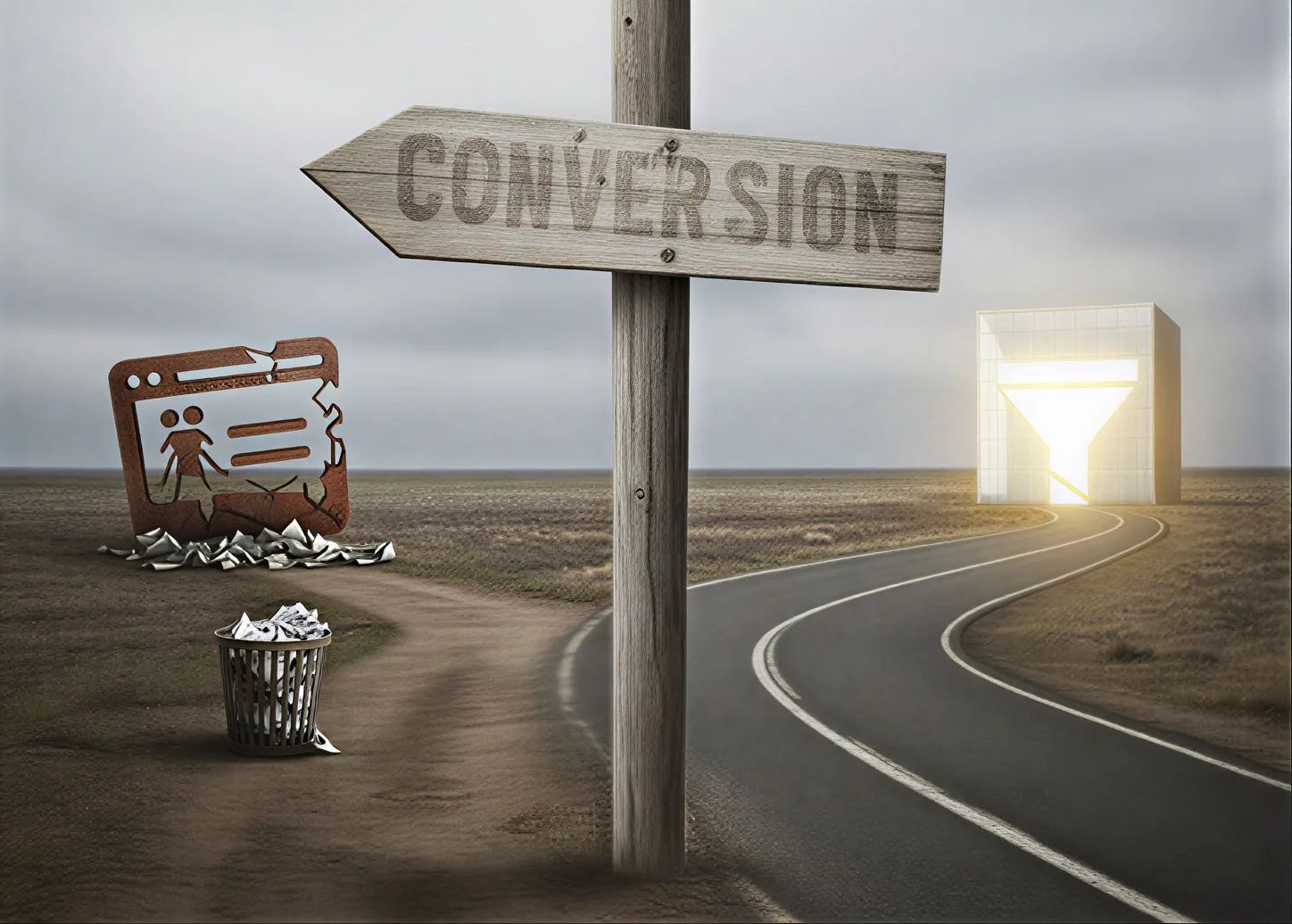
Most blogs fail to convert because they end like this:
Blog post back button- gone
No next step. No direction.
How to Build the Path
Inside blog posts
- Add a mid-article CTA after ~40% of the content
- Offer something relevant:
- Checklist
- Template
- Calculator
- Tool
Example:
“Email marketing tips”- Download email template library
End of article
- Link to 2-3 related pieces
- At least one should be commercial
- Include a clear CTA
Internal linking
- Link informational content- commercial pages
- Use natural language: “If you are looking to solve [problem], see [solution page].”
- Aim for 3-5 contextual links per article
Metrics to Track
- Pages per session (target: 2.5-3.5)
- Blog- conversion page CTR (target: 15-25%)
This is how you turn traffic into momentum.
Fix #4: Make Your Offer Compelling and Visible

“Contact us” is not an offer.
If your website traffic isn’t converting, friction is usually too high and value too unclear.
What Makes Offers Convert
- Low commitment: free tool > demo > call > contact form
- Clear value: “See how much you will save” beats “Get started.”
- Risk-free: no credit card, cancel anytime
Offer Ladder by Intent
- Cold traffic: newsletter, free resource, tool
- Warm traffic: free trial, demo, calculator
- Hot traffic: pricing, booking, signup
CTA Copy That Works
No………Submit, Contact us, Learn more
Yes……… Get my free audit, Start free trial, See your results
Formula: Action + Benefit + Time (optional)
Visual Placement
- Contrasting button color
- Above the fold
- Repeated 2-3 times on long pages
This change alone often triples conversions.
Fix #5: Track and Optimize the Right Metrics
If you don’t know which pages convert, you can’t fix what’s broken.
Set Up Proper Tracking
In GA4:
- Define conversions (signup, purchase, call)
- Create a report:
- Landing page- conversion rate
- Sort by sessions
This indicates where traffic is present, but conversions are not.
The Dashboard You Actually Need
- Organic traffic by intent
- Conversion rate by intent
- Revenue from organic
- Pages driving most conversions
- Assisted conversions
Weekly Optimization Rhythm
- Monday: Review last week
- Find high-traffic, low-conversion pages
- Form one hypothesis
- Test one change
- Friday: Check results
Track:
- Conversion rate
- Revenue per visit
- Pages per session
Fixing “Organic Traffic, No Conversions” Starts with Alignment
If your website has steady organic traffic but very few conversions, the issue is rarely SEO visibility.
It’s almost always alignment:
- Alignment between search intent and page purpose
- Alignment between content and the decision stage
- Alignment between what you offer and what the visitor is ready to do
More traffic won’t fix that. Better decisions will.
The teams that see results don’t chase volume. They systematically reduce friction, remove misaligned pages, and guide the right visitors toward a clear next step.
If you focus on intent before output and clarity before scale, conversion improvements follow, often faster than expected.
If this problem feels familiar across channels, not just organic search, it’s often part of a broader pattern where marketing activity exists, but revenue alignment doesn’t. This breakdown explains why online marketing efforts don’t always translate into sales, even when traffic looks healthy.
If You are Unsure Where the Breakdown Is
If you are trying to understand why your organic traffic isn’t converting, the most useful starting point isn’t another tool or report.
It’s pressure-testing a few core questions:
- Which pages are attracting attention but failing to influence decisions?
- Where does intent drop off, before or after key pages?
- Are visitors unclear, unconvinced, or simply not ready for the offer?
We use a short, structured intake to frame those questions clearly before any next step.
Use this form to outline your situation: https://tally.so/r/3EGEd4
There’s no audit, no pitch, and no obligation, just a way to clarify whether your traffic problem is about intent, structure, or positioning.
FAQs
Yes. High volumes of low-intent traffic can distort your data, hide real problems, and push teams to optimize for the wrong outcomes. It often leads to more content production instead of fixing intent mismatch, which increases content debt and makes conversion issues harder to diagnose later.
If a page has consistent traffic but hasn’t influenced conversions, assisted conversions, or downstream engagement over time, it’s a candidate for removal or consolidation. Keeping non-performing pages “just in case” often creates more confusion for users and search engines than value.
Because conversion correlates more strongly with intent clarity than volume. Pages targeting specific problems, use cases, or comparisons often convert better because the visitor already understands what they are evaluating. High-traffic pages usually sit earlier in the decision journey.
Not directly, but it should always guide the next step. Informational content should educate and transition the reader toward commercial or decision-support content. When informational pages try to convert too early, they underperform. When they don’t guide at all, they leak demand.
Traffic alone isn’t the signal. Look at:
- Engagement depth
- Internal clicks to commercial pages
- Assisted conversions
- Sales conversations referencing the topic
If none of those appear over time, the issue is usually an intent mismatch, not patience.
Only partially. CRO tools help once intent is correct. If the wrong audience is landing on the page, no headline, color change, or button placement will meaningfully improve results. CRO works best after intent alignment, not before it.
Because removal reduces noise. Fewer, clearer paths help visitors understand where they are, what the page is for, and what to do next. Many sites convert better after consolidation because they stop asking visitors to make unnecessary decisions.