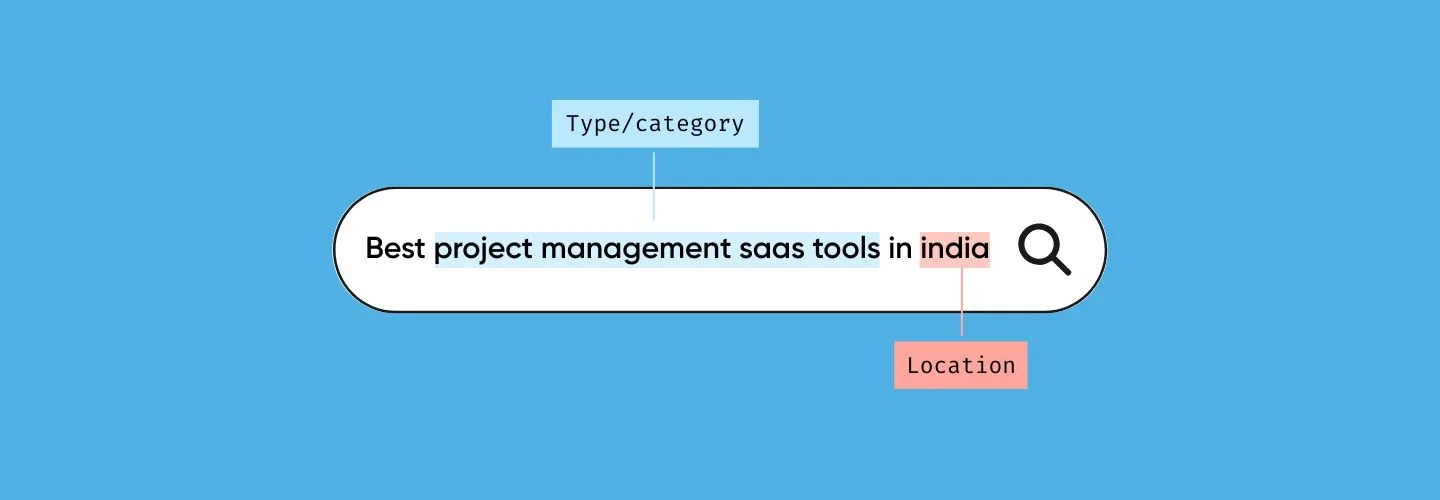
Why Your Pricing Page Isn’t Ranking (And How to Fix It)
Let’s talk about something frustrating.
Your pricing page converts like crazy. It’s where browsers become buyers, where tire-kickers turn into customers. But somehow, it’s also the page getting the least organic traffic on your entire site.
Your blog? Crushing it with thousands of monthly visits. Your pricing page? Maybe 30-50 organic visits if you are lucky.
Here’s the kicker: buyers want to see your pricing. Research shows 87% of them check pricing before even booking a demo. They are out there actively searching for your costs, plans, and how you stack up against competitors.
But when they search, they are not finding you. They are landing on Reddit threads, review sites, and competitor comparison pages, places where you have zero control over the conversation.
Let’s fix that.

This is a classic example of search-market fit breaking down. A page can convert extremely well once someone lands on it, yet still fail to appear in search if it isn’t aligned with how people actually look for pricing information. We have explored this disconnect in more detail in SEO Only Works If There’s Search Market Fit, where visibility depends less on page intent and more on whether demand, language, and competition line up.
Why Your Pricing Page Is Invisible to Google
The “Pricing” Keyword Is a Bloodbath
Almost every SaaS company goes after the same keyword: “pricing.”
The problem? Google’s first page is owned by sites with domain authority in the 70s and 80s, think G2, Capterra, and established players who have been building authority for years.
If your domain authority is sitting around 30-40, you are not losing because your page sucks. You are losing because you are bringing a knife to a gunfight.
It’s like a local coffee shop trying to outrank Starbucks for “coffee.” Not happening.
You are Missing the Long-Tail Goldmine
Most pricing pages try to answer everything with one URL:
/pricing
But that’s not how people search.
Buyers ask much more specific questions, such as:
- “How much does [product] cost for a team of 10?”
- “[Product] vs [competitor] pricing”
- “Is [product] worth the price?”
- “[Category] pricing calculator”
A generic pricing page doesn’t clearly answer these queries, and Google can’t rank a page that doesn’t match intent.
This pattern shows up repeatedly in real-world SEO discussions. In one active Reddit thread, SEO practitioners noted that dedicated cost-focused pages often gain visibility faster than generic pricing pages, especially when they directly answer “cost” or “how much” queries instead of burying numbers inside a conversion page.
Your Pricing Page Is Too Thin
Here’s what most pricing pages have:
- A pricing table
- Some bullet points
- A “Get Started” button
- Maybe 200 words total
From Google’s perspective, that’s thin content. The page is mostly numbers, toggles, and UI elements. There’s no context, no explanations, no depth.
Even though it converts great for humans, Google sees a page with minimal informational value and ranks it accordingly.
The Search Intent Mismatch
People don’t search for “pricing” the way you think they do.
They search like this:
- “How much does X actually cost?”
- “What’s included in the basic plan?”
- “Is X more expensive than Y?”
- “Hidden fees in X pricing?”
But most pricing pages don’t explicitly answer these questions. There’s no H2 saying “How Much Does [Product] Cost?” No clear, upfront answer. No reassurance about value.
So even when Google crawls your page, it doesn’t see a strong match for what people are actually searching.
Technical Issues That Kill Rankings
Pricing pages often have problems like:
- Heavy JavaScript that Google struggles to render
- Missing or generic meta descriptions
- No internal links pointing to them (teams treat them as conversion-only assets)
- Slow load times from pricing calculators
- Mobile experiences that don’t match desktop, critical since most B2B buyers research on mobile before they ever sit down at a desk
Any one of these can tank your rankings.
The Fix: Build a Pricing Hub (Not One Page)
Stop forcing one pricing page to do everything.
Old way:
/pricing (one page, low visibility)
Better way: Pricing hub
- /pricing → Main overview
- /pricing/plans → Plan details
- /pricing/calculator → Cost estimate
- /pricing/vs-[competitor] → Comparisons
- /pricing/for-[segment] → Startups, agencies, enterprise
- /pricing/faq → Buyer questions
This captures long-tail searches, matches real buyer intent, and strengthens your main pricing page with internal links.
Your Main Pricing Page (The Anchor)
Keep it clear and direct.
Above the fold
- Simple pricing table
- Monthly vs yearly toggle
- One-line “who it’s for” per plan
Below the fold
- Pricing FAQs
- ROI or savings explanation
- Pricing-specific social proof
- Clear next step
Core keywords
- “[product] pricing”
- “[category] pricing”
- “How much does [product] cost”
This page anchors the whole pricing system.
Supporting Pages That Rank
- /pricing/plans → Feature breakdown + upgrade guidance
- /pricing/calculator → Cost by team size or usage
- /pricing/vs-[competitor] → Value-based comparisons
- /pricing/for-[segment] → Pricing by audience type
All pages link back to /pricing.
Don’t Want Multiple Pages? Do This Instead
If your pricing is simple, use one strong pricing page with clear sections.
Single-page structure
- Overview
- Plan details (#plans)
- Cost examples or calculator (#calculator)
- Comparisons (#comparison)
- Segment guidance (#for-startups, etc.)
- FAQs (#faq)
Why it works:
- Targets multiple intents on one page
- Anchor links help Google understand sections
- No thin pages, no extra maintenance
Rule of thumb
- Simple services → one strong page
- SaaS with multiple plans → full pricing hub
What to Actually Put on These Pages (Content That Ranks)
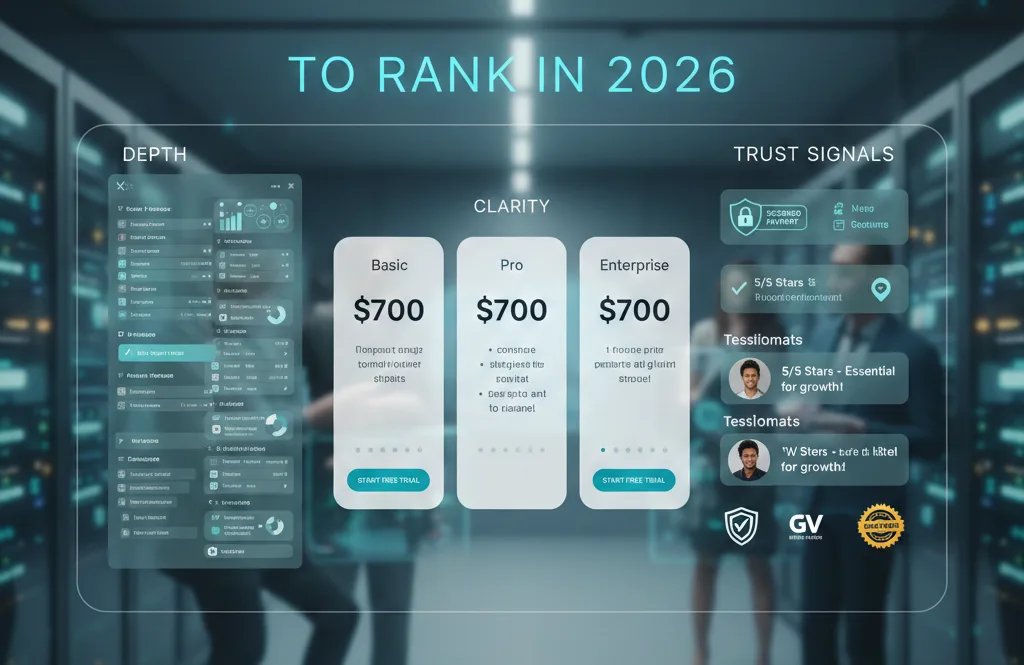
To rank in 2026, pricing pages need depth, clarity, and trust signals. Here’s what works:
1. Explain Your Pricing Philosophy
Don’t just show numbers. Tell people:
- Why do you charge what you charge
- What’s included that competitors charge extra for
- How your pricing aligns with customer outcomes
Transparency builds both rankings and conversions.
2. Break Down What’s Actually Included
Don’t just list features. Explain:
- What the feature does in plain English
- Who benefits most from it
- Why it matters at that pricing tier
This is where relevance beats raw domain authority.
3. Call Out Hidden Costs (Yours and Theirs)
Introduce the total cost of ownership. Show the real math:
- Base price vs. add-ons
- Usage limits and overage fees
- What competitors charge extra for
Example: “Tool X shows $49/month, but their advanced analytics costs another $200. Ours is included.”
4. Show ROI, Not Just Price
Buyers need justification, not just numbers. Include:
- Time saved per month
- Cost reduction metrics
- A short case study with real results
5. Pricing FAQs (This Is SEO Gold)
These are actual search queries people type:
- “Can I change plans mid-month?”
- “What happens if I go over my limit?”
- “Do you offer nonprofit discounts?”
- “Can I pay annually?”
Each FAQ improves your intent match and gives you a chance to rank for specific questions.
6. Value-Focused Testimonials
Generic testimonials are fine. Pricing-specific ones convert better:
- “Half the price of [competitor] and twice the features”
- “Best value in the category, hands down.”
- “Worth every penny, paid for itself in the first month.”
Add Schema Markup (It Helps)
Add this to your pricing page’s
section or footer:“@context”: “https://schema.org”,
“@type”: “Product”,
“name”: “Your Product”,
“offers”: {
“@type”: “AggregateOffer”,
“lowPrice”: “49”,
“highPrice”: “299”,
“priceCurrency”: “USD”
}
}
This helps Google understand your pricing structure and can trigger rich results in search.
The High-Intent Keyword Strategy
Pricing SEO is about intent, not volume. These are the queries that matter:
Cost-focused:
- “How much does [product] cost?”
- “[product] pricing 2026”
- “Is [product] expensive?”
- “Is [product] worth it?”
Comparison queries:
- “[product] vs [competitor] pricing”
- “Cheaper alternative to [competitor]”
- “[product] vs [competitor] cost breakdown.”
Use-case pricing:
- “[product] pricing for small businesses.”
- “[product] enterprise pricing”
- “How much is [product] for a team of 10?”
Plan-specific:
- “[product] plans comparison”
- “Which [product] plan should I choose?”
- “[product] free plan vs paid”
The On-Page Rule That Works
Include the exact question as an H2:
“How Much Does [Product] Cost?”
Then answer it immediately:
“Pricing starts at $49/month for teams of 1-5, with plans scaling to $299/month for larger teams.”
Avoid “Contact us for pricing” where possible. Even for an enterprise, show a range:
“Plans start at $49/month and scale to custom enterprise pricing for teams over 100.”
Pricing Pages Are a Growth Signal, Not a Design Task
Pricing pages are vital for influencing customer intent, trust, and decision-making. When they rank poorly, it’s often not due to missing keywords but rather a failure to address real buying questions and optimize for search engines.
Many teams see pricing as just a conversion tool, missing how buyers research and compare options before reaching out to sales. If your pricing page isn’t easily discoverable early on, decisions may be shaped elsewhere.
Improving this requires more than minor tweaks; it demands a clear understanding of your audience, competition, and how pricing integrates into your growth strategy.
If you are ready to evaluate whether your pricing, positioning, and search visibility are aligned, please fill out the form below to help us understand your context before we chat. https://tally.so/r/3EGEd4
FAQs
Most pricing pages are built purely for conversions, not discovery. They have minimal content, don’t target specific keywords, and don’t match how people actually search for pricing information (like “how much does X cost” or “X vs Y pricing”).
Yes, unless there’s a specific strategic reason not to. Blocking your pricing page prevents Google from understanding your product’s value and positioning, information that buyers actively search for.
One page limits your keyword coverage. A pricing hub, where your main page is supported by plan breakdowns, calculators, comparisons, and FAQs, lets you target multiple high-intent queries without diluting authority.
Absolutely. Pricing queries are some of the highest-intent searches in B2B and SaaS. People commonly search “how much does [product] cost,” “is [product] expensive,” and “[product] vs [competitor] pricing” before making decisions.
Yes. Transparent pricing with clear explanations improves dwell time, reduces bounce rates, and aligns with search intent, all factors that support stronger organic performance.
Even enterprise companies benefit from showing a starting point or range. Pages that only say “contact us” without context rarely rank because they don’t answer user queries directly.
Pricing pages typically take longer to rank than blog posts because the competition is fierce. But with proper structure, internal linking, and content depth, you can see improvements within 3-6 months.