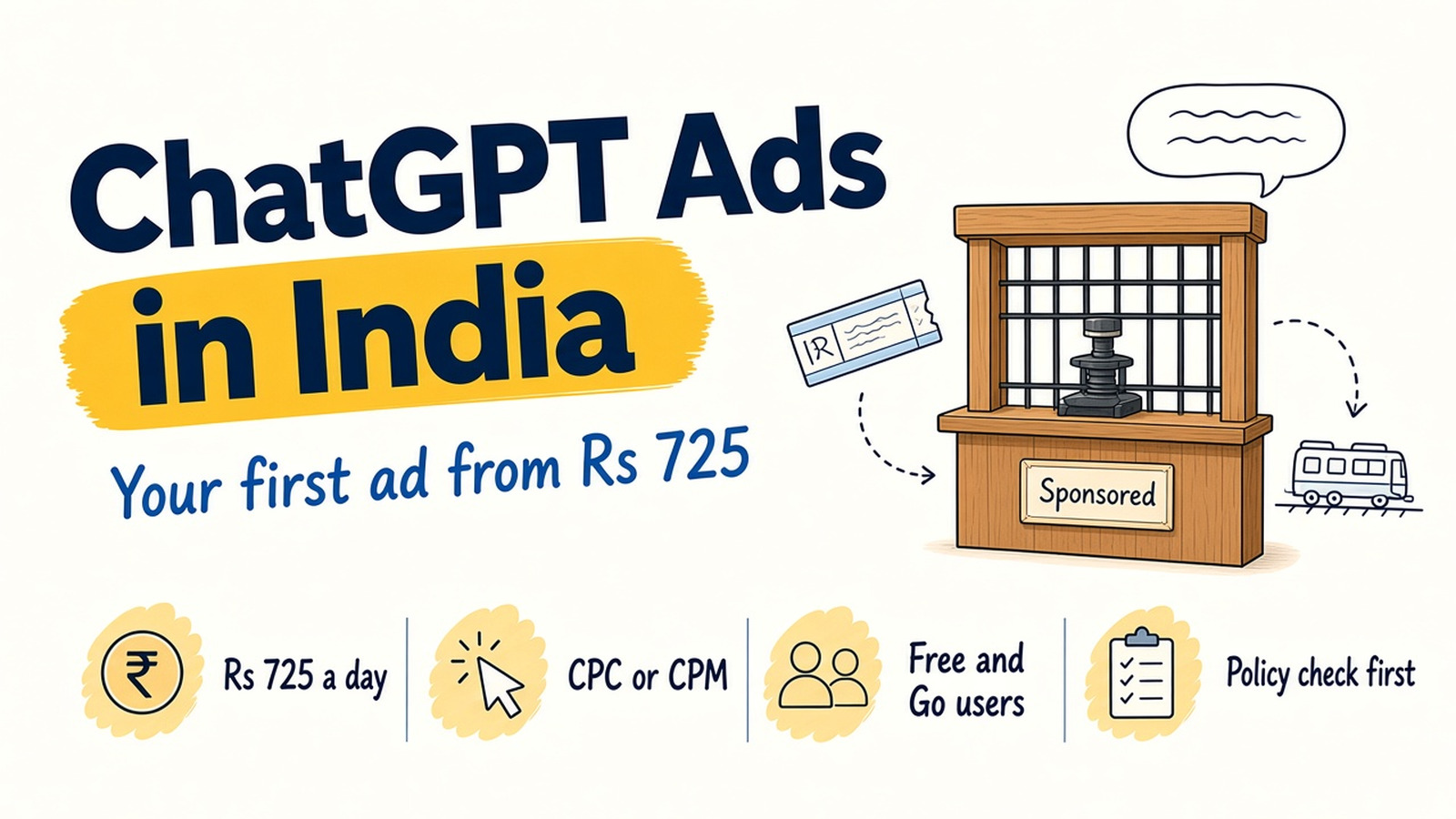
Think of the enquiry counter at a busy railway station. People walk up with a clear question. Which train goes to Pune tonight? Where can I stay near the station? The clerk answers. Now picture a small, clearly marked board under that counter, showing a nearby hotel to the person who just asked about a place to stay.
ChatGPT Ads work much the same way. People ask real questions, and a labelled ad can appear below the answer when it fits. Since late August 2026, Indian businesses can buy these ads themselves.
We explain how to set up your first ad using only OpenAI’s own help pages as they read on 16 November 2026. The platform is in beta (new and changing often), so check those pages before you spend.
What ChatGPT Ads are, and who sees them
OpenAI says one ad unit, with one or more images, may appear below a ChatGPT response. It is also testing an ad that shows while ChatGPT creates an image (see our ChatGPT image generation guide).
As per OpenAI:
- Who sees them: people on the Free and Go plans.
- Who doesn’t: Plus, Pro, Business, Enterprise and Edu accounts, accounts identified as under 18, and Temporary Chats.
- Where ads never show: near sensitive topics such as personal health, mental health or politics.
OpenAI says ads do not change ChatGPT’s answers, and advertisers get only totals such as views and clicks, never chats. The clerk’s answer stays the clerk’s own.
The screenshots in this post are from OpenAI’s public help pages and the public ads.openai.com homepage, as they appeared on 16 November 2026.
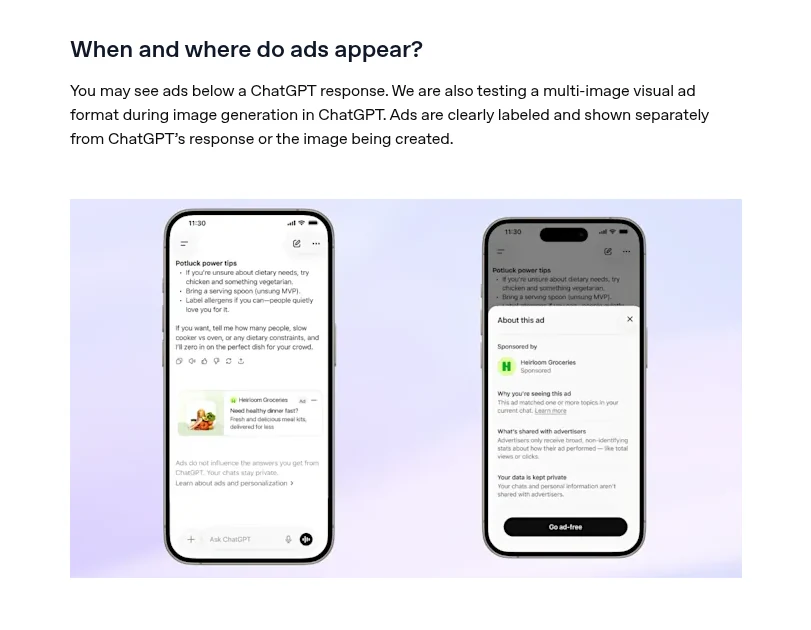
The answer stays separate. The ad sits below, clearly labelled.
OpenAI’s 31 August 2026 announcement said self-serve buying through Ads Manager (the website where you create and run ads) was opening in India that day.
What it costs: Rs 725 a day and how you pay
OpenAI’s campaign help page lists a minimum daily budget of 725 INR for accounts that bill in rupees.
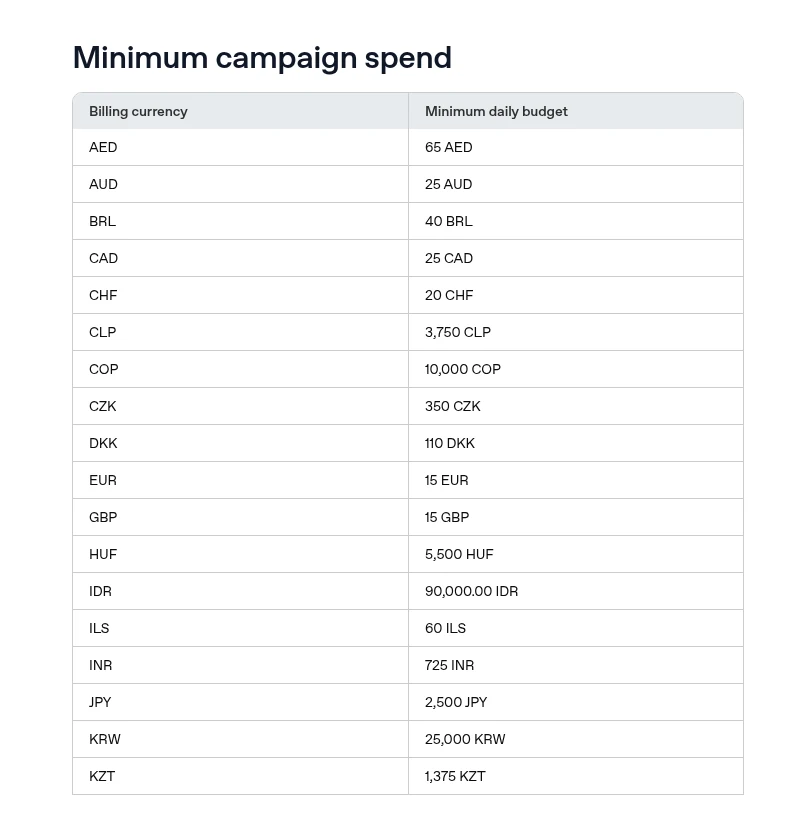
A daily budget is an average, not a hard cap. OpenAI says:
- One day can spend up to twice the daily budget. At Rs 725, that is Rs 1,450.
- A Sunday to Saturday week stays within seven times. At Rs 725, that is Rs 5,075.
- For a strict total, choose a campaign-total budget instead.
A daily budget is an average: one day can reach twice that, but a week stays within seven times.
How you pay depends on the campaign objective (the main goal of a campaign):
- Views (CPM): you pay per 1,000 times your ad is shown.
- Clicks (CPC): you pay each time someone clicks.
- Conversions: the system aims for an action you choose, such as a sign-up. You still pay per click or view, not per sale.
OpenAI says it weighs relevance and bids when choosing ads. It publishes no average costs for India and says there are no performance benchmarks yet. Be wary of anyone quoting a “standard” cost per click.
Check if your business is allowed first
OpenAI’s ad policies say ads are mainly limited to household and consumer goods, local services, travel and entertainment, and digital products and education.
The policy says health, financial and legal services ads outside the US are generally prohibited. In India, that rules out clinics, loans, insurance and legal advice for now. Alcohol, gambling, dating, political ads and individual job or property listings are also disallowed.
Every ad is reviewed along with its landing page (the page people reach after clicking). Ads that exaggerate results get rejected.
How to set up your first ad, step by step
Here is the path from OpenAI’s setup guides.
A campaign holds ad groups. An ad group holds the ads.
- Sign in. Go to ads.openai.com, select Login or Sign up and use your OpenAI account.
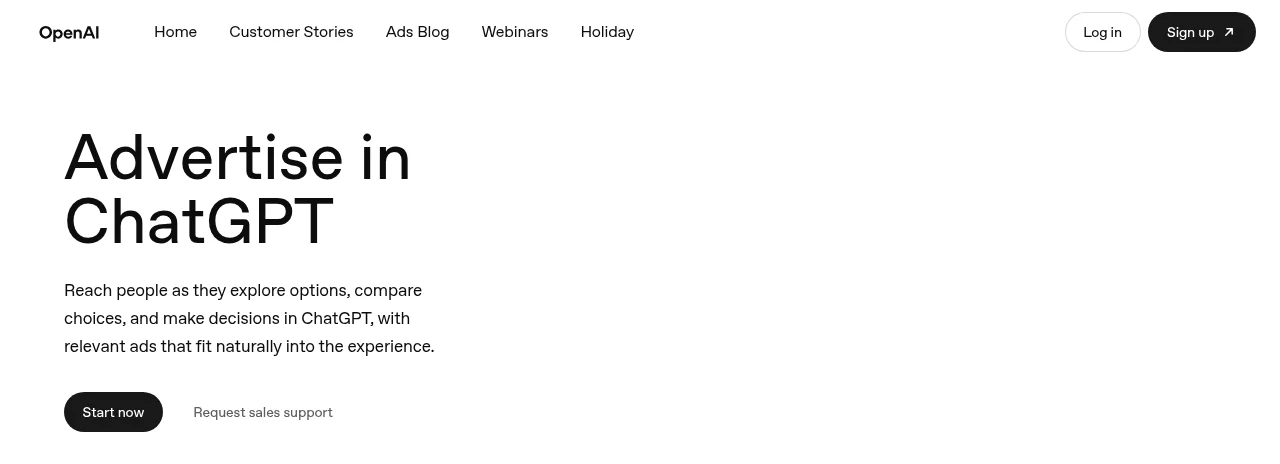
The public ads.openai.com homepage. Choose Log in or Sign up at the top right to open Ads Manager. - Start with your website, or skip. Enter your URL and Ads Manager drafts a first ad from it.
- Fill in account details carefully. Country, currency and time zone cannot be changed later, so pick India, INR and Indian time. OpenAI’s account setup guide spells this out.
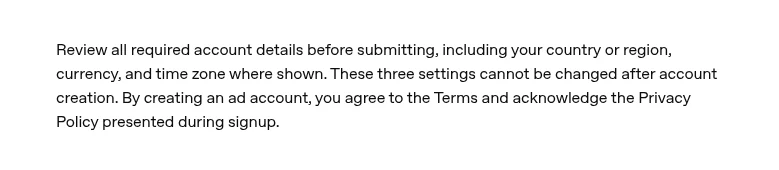
From OpenAI’s public account setup help page: country, currency and time zone cannot be changed after the account is created. - Set up billing and verification. Add a card under Billing. A temporary hold may appear to check the card. Complete verification when asked.
- Create a campaign. Choose Create, then Create campaign. Pick an objective, a budget and India. You can also pick platforms, such as Android app, and supported cities or states.
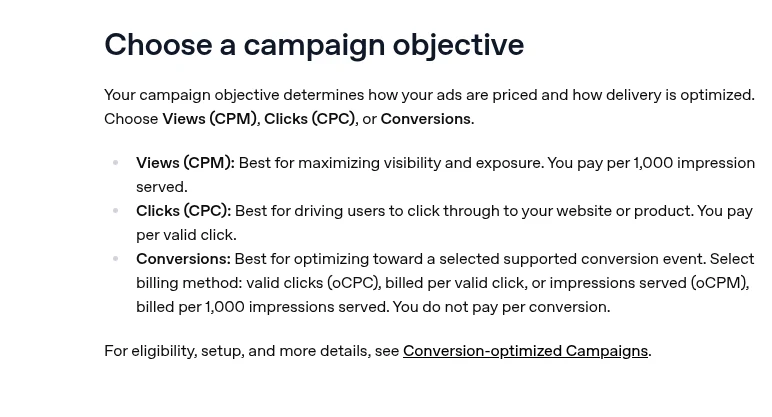
From OpenAI’s public campaign help page: choose Views (CPM), Clicks (CPC) or Conversions. - Add an ad group with context hints. An ad group holds ads for one product or need. Context hints are phrases telling the system when your ad fits, such as “home tiffin service for working professionals in Pune”. They are not exact keywords.
- Write the ad. Choose one image or 4 to 6 square images. OpenAI recommends titles of 16 to 24 characters (50 maximum) and copy of 32 to 48 (100 maximum). Your page must not block OpenAI’s crawlers, OAI-AdsBot and OAI-SearchBot.
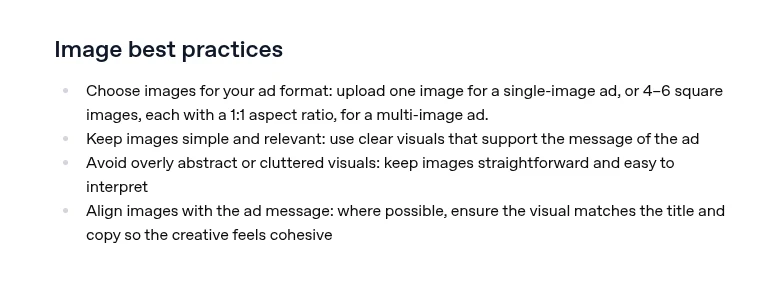
From OpenAI’s public creating-ads help page: use one image, or 4 to 6 square images, for a multi-image ad. - Submit and check the status. Ads run only after review. If one shows “Not serving”, hover over it to see why.
One trap: your first campaign may not show start and end dates until it is created. Do not publish just to find them, or ads may start early.
Who should test ChatGPT Ads now, and who should wait
Test now if you sell in an allowed category, have one clear offer with a page built for it, and can spare a test budget you are fine losing while you learn.
Wait if you run a clinic, finance business or legal practice, have no working landing page, or cannot yet measure enquiries from your site. For measuring, our guide to tracking AI Overview traffic in GA4 helps.
A simple first test plan
One board, one counter, a fixed period. This is a plan to learn, not a promise of results.
- Budget: one campaign at Rs 725 a day for two weeks. With the weekly cap, two full budget weeks can spend at most Rs 10,150.
- Objective: Clicks, so you pay only for visits.
- Offer: one product or service, one landing page.
- Ads: a few title and copy versions, each with a different angle, as OpenAI suggests.
- Tracking: add UTM tags (labels at the end of a link that tell Google Analytics where a visitor came from).
In Ads Manager, watch impressions, clicks, CTR (the share who clicked after seeing the ad), average CPC and spend, which can lag 7 to 8 hours. In Google Analytics, count real enquiries from those visits and compare the cost per enquiry with Google or Meta.
The short version
- ChatGPT Ads show below answers to Free and Go users only.
- Self-serve buying opened in India in late August 2026, at ads.openai.com.
- The minimum daily budget is 725 INR. Daily budgets are averages, not hard caps.
- You pay per 1,000 views (CPM) or per click (CPC).
- Health, finance and legal ads are generally prohibited outside the US. Check the policy first.
- Test one offer, one page, two weeks, with UTM tracking.
FAQs
What is the minimum budget for ChatGPT Ads in India?
725 INR a day, as per OpenAI’s help page. One day can reach twice that, but a full week stays within seven times.
How do I advertise on ChatGPT?
Sign in at ads.openai.com, add billing, then create a campaign, an ad group and an ad. Ads run after review.
Can clinics or financial businesses in India run ChatGPT ads?
Not for now. OpenAI’s ad policies say health, financial and legal services ads outside the US are generally prohibited.
Do advertisers see what people type in ChatGPT?
No. OpenAI says advertisers get only totals such as views and clicks, never chats, memories or personal details.
Want a second opinion before you spend on ChatGPT Ads?
We help founder-led businesses plan small, measurable tests on new ad platforms. Talk to us through our form or on WhatsApp at +91 99131 53530. The first conversation is free.