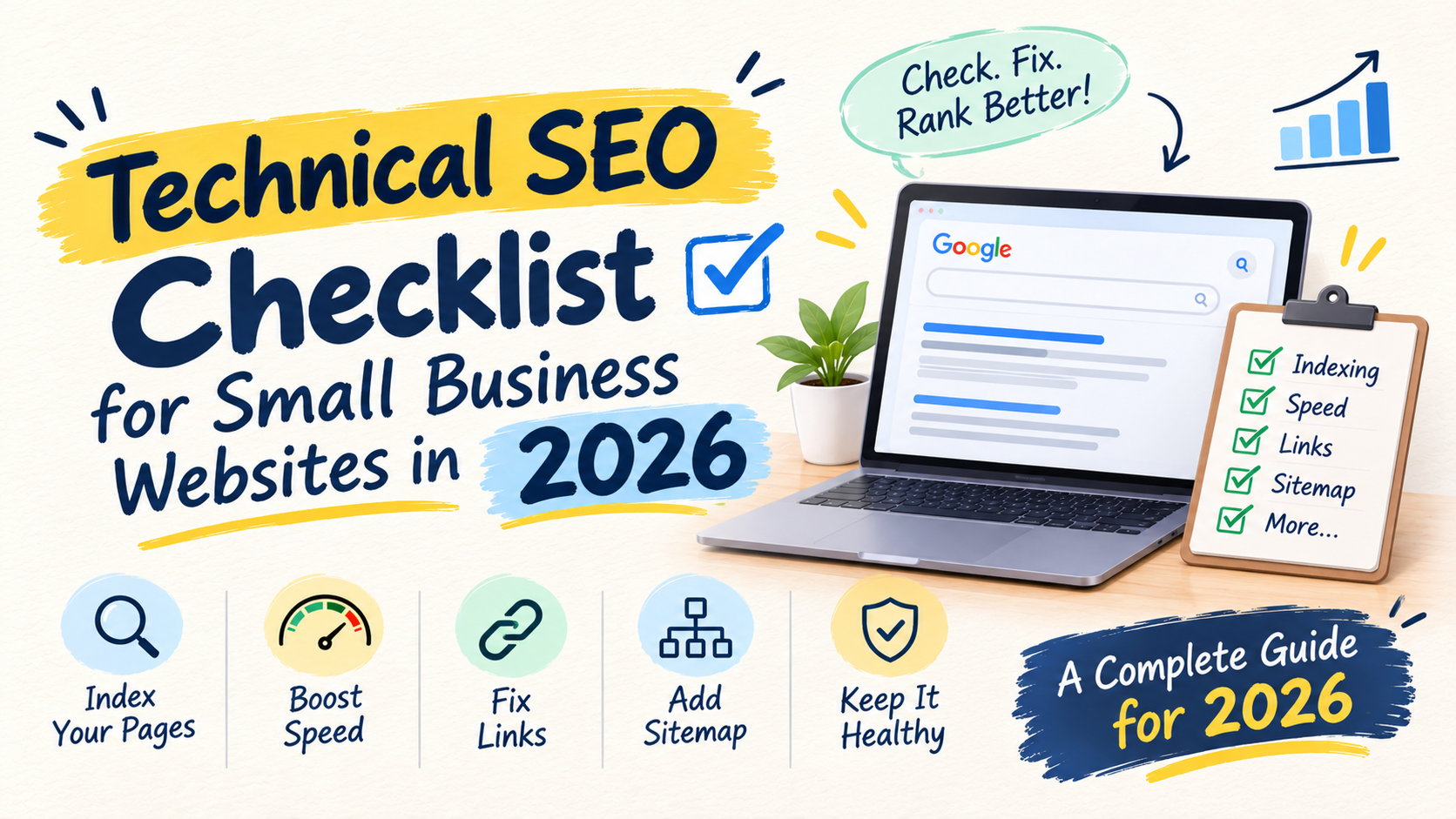
Most small business owners hear “technical SEO” and switch off. It sounds like something only a developer can do. It isn’t.
Technical SEO simply means making sure Google can reach your pages, read them, and load them without trouble. If that part is broken, even great content struggles to show up. If it works, everything else you do in SEO gets a fair chance.
This checklist is for business owners and marketing managers who run a small website and want to know what to check first. You don’t need to write code. You need a Google Search Console account, a free hour, and the patience to go down the list once.
- Technical SEO is about three things: Google can find your pages, understand them and load them fast.
- Start in Google Search Console. It shows you what Google actually sees, not what you assume it sees.
- Check indexing before anything else. A page that isn’t indexed can’t rank.
- Fix duplicate URLs, broken links and slow mobile pages next.
- Small sites often don’t need a sitemap to be found, but it does no harm and helps you spot problems.
- Do this check once a quarter, and after any redesign or move.
Why technical SEO comes before content
Think of your website as a shop. Content is what you put on the shelves. Technical SEO is whether the door opens, the lights are on and the street can find the address.
We’ve seen plenty of businesses keep publishing new articles while an old setting quietly told Google to stay away. Nothing improved, and nobody knew why. A short technical check would have caught it in minutes. It’s why this is the first thing we look at when we start working with a new business.
If you want the bigger picture first, read our SEO for Beginners guide. Then come back here to check the foundations.
1. Check that your important pages are indexed
Google works in steps. It finds a page, reads it, stores it, and then decides where to show it. If a page never gets stored, it cannot appear in results at all.
Here is how to check in two minutes:
- Open Google Search Console and paste a page address into the search bar at the top.
- If it says the URL is on Google, you are fine.
- If it says it isn’t, read the reason Search Console gives and fix that first.
When we start with a founder-led IT services company, this is where we begin, before talking about new content. We list the pages that should bring in enquiries (the service pages, the main case pages, a handful of strong articles) and check them one by one. Pages that bring enquiries but aren’t in Google’s index are the cheapest problem to fix, and the most expensive to ignore.
Do this for your homepage, each main service page and your most important blog posts. Google’s own SEO starter guide recommends the URL Inspection tool in Search Console for exactly this purpose, because it shows how Google sees a page.
Common reasons a page is missing:
- A “noindex” setting was left on after the site was built. Many WordPress sites have a “discourage search engines” box that gets ticked during development and forgotten.
- The page is not linked from anywhere, so Google never finds it.
- The page is too thin or too similar to another one.
If your posts are indexed but still bring no visitors, that is a different problem. We cover it in why so much SEO content gets zero traffic in year one.
2. Make sure Google can crawl and see your pages properly
Crawling is Google following links from page to page. Two things can get in the way.
Blocked files. Google’s guidance says not to hide key resources such as CSS and JavaScript, because Google wants to see your page the way a visitor does. If your settings block them, the page may look broken to Google.
Pages nobody links to. Google mostly finds pages through links. A page that no other page points to is easy to miss. Link to every important page from at least one other page on your site, using clear words rather than “click here”.
In Search Console, the URL Inspection tool lets you view the page as Google sees it. If the picture looks empty or broken, tell your developer or hosting provider.
3. Add a sitemap, but don’t expect miracles
A sitemap is a file that lists the pages you want Google to know about. Most WordPress SEO plugins create one automatically.
Google says sitemaps matter most for large sites, new sites with few links pointing to them, and sites with a lot of video or image content. It also says smaller sites, roughly 500 pages or fewer, may not need one if the pages are all reachable through internal links. And a sitemap does not guarantee that a page gets crawled or indexed.
For a small business, our advice is simple. Have one, because it costs nothing. Submit it in Search Console under Sitemaps. Then use it as a checking tool: if Search Console says many pages in your sitemap are not indexed, you have found something to investigate.
Only list pages you actually want people to find. Leave out thank-you pages, test pages and duplicates.
4. Fix duplicate URLs
Sometimes one page can be reached through several addresses. The most common causes are:
httpandhttpsversions of the same page- with and without
www - filter and sort options on product pages
- a test version of the site that Google can reach
Google calls the version it chooses to show the canonical URL. According to Google’s documentation, you can signal your preferred version in a few ways: use redirects to send the other versions to the main one, add a rel="canonical" tag to the page, list only the preferred URL in your sitemap, and serve your pages on HTTPS. It also notes that your choice is a hint rather than an order, so Google may pick differently.
The quick test: type the four combinations of your homepage address (http or https, with or without www). All of them should end up on one address.
5. Check page experience and speed on mobile
Most of your visitors in India are probably on a phone, often on an average connection. A page that takes long to appear loses people before they read a word.
Google measures this with three Core Web Vitals:
| Metric | What it measures | Good score |
|---|---|---|
| Largest Contentful Paint (LCP) | How fast the main content loads | Within 2.5 seconds |
| Interaction to Next Paint (INP) | How quickly the page responds when someone taps | Under 200 milliseconds |
| Cumulative Layout Shift (CLS) | Whether the page jumps around while loading | Below 0.1 |
Google’s page on this topic does not call Core Web Vitals a simple ranking switch. It says they line up with what its core ranking systems look to reward, and it recommends good scores for success in Search. So treat them as a way to serve visitors better, not as a trick.
The Core Web Vitals report in Search Console groups your pages into good, needs improvement and poor. Start with the group that has the most pages. Typical fixes for small sites are:
- Compress large images and use modern formats.
- Remove plugins and scripts you no longer use.
- Give images a fixed width and height so the page doesn’t jump.
- Use decent hosting. Cheap, crowded hosting is often the real cause.
6. Clean up broken links and redirects
Broken links send visitors and Google to a dead end. They usually appear after you delete a page, change a web address or move to a new website.
Do this once:
- Open Search Console and look at the pages report for “Not found (404)” pages.
- For each one that used to matter, redirect it to the closest matching live page.
- Fix any internal link that still points to the old address.
Google’s guidance on duplicate content also says to redirect non-preferred addresses to the preferred one. Use a permanent redirect, and avoid long chains where one redirect leads to another.
7. Give every page a clear title and one topic
This is on-page work, but it sits closely with the technical side. Google’s starter guide says each page should have a unique, clear and concise title that describes its content accurately.
Look for these problems:
- Several pages with the same title
- Titles that just say “Home” or the company name
- Two pages that try to rank for the same search
When two pages compete for the same search, merge them or make each one answer a different question. Our post on why content refreshes fail explains what to change and what not to bother with.
8. Add structured data where it fits
Structured data is extra code that tells search engines what a page is about, such as a business, an article or an FAQ. Google says valid structured data can make pages eligible for special search features and can influence things like breadcrumbs.
For most small businesses, start with the basics: your organisation details, your articles, and a local business profile if you serve a city. Use your SEO plugin’s built-in options rather than hand-written code, then test the result with Google’s Rich Results Test.
9. Use HTTPS and keep the site healthy
Your site should load on HTTPS, and the padlock should show on every page. Mixed content, where a secure page loads an insecure image, can trigger warnings in the browser and scare visitors away.
Also check that your site is not hacked. In Search Console, look at the Security issues and Manual actions sections. Both should say there are no problems.
What to do this week
- Monday: Open Search Console and check that your homepage and five key pages are indexed.
- Tuesday: Test the four versions of your homepage address and make sure they all land on one.
- Wednesday: Open the Core Web Vitals report and note which group has the most pages.
- Thursday: Fix your 404 pages with redirects, and update the internal links that point to them.
- Friday: Submit your sitemap and write down the date. Set a reminder to repeat this check in three months.
Don’t try to fix everything in one day. Fix what blocks indexing first, then what slows the page, then the small tidy-ups.
FAQ
Do I need a developer for technical SEO?
Not for the checks. Search Console shows you the problems in plain language. You may need a developer or your hosting provider for fixes such as speed work or redirects.
How often should I run a technical SEO check?
Once a quarter is enough for most small sites. Run it again straight after a redesign, a change of domain or a move to new hosting, because those are when things break.
Does my small site need a sitemap?
Google says smaller sites with good internal linking may not need one, and a sitemap doesn’t guarantee indexing. It is still worth having, because it is free and helps you spot indexing problems.
Are Core Web Vitals a ranking factor?
Google doesn’t describe them as a single ranking switch. It says they align with what its ranking systems seek to reward and recommends good scores. Aim for good scores because they make the site better to use.
What should I fix first?
Indexing. If a page isn’t in Google’s index, nothing else about that page matters yet.
Want to talk this through?
Technical SEO is basic upkeep, like servicing a vehicle, and it supports everything else on your site, including the links covered in our guide to building links Google will count. If you’ve gone through this list and found something you can’t solve, or you’d simply like a second pair of eyes on your site, we’re happy to help.
You can start a conversation with us or message us on WhatsApp at +91 99131 53530. We’ll tell you plainly what matters on your site and what doesn’t, and the first conversation costs nothing.